
Overview
Webhooks are used to push real-time data to you about changes(updates) to certain API requests. All webhooks use HTTPS and deliver a JSON payload that can be used by your application. You can use webhook feeds to do things like:- Create alerts in your messaging or incident tools based on event types
- Store all payload events in your own database for custom reporting/retention
- Update the status of an async request in your application.
Getting Started
Create a webhook endpoint to receive requests on your server. E.ghttps://your-domain.com/api/webhook
Attach your webhook endpoint to the body parameters of an API that supports webhooks. See example below:
Response
Webhook logs
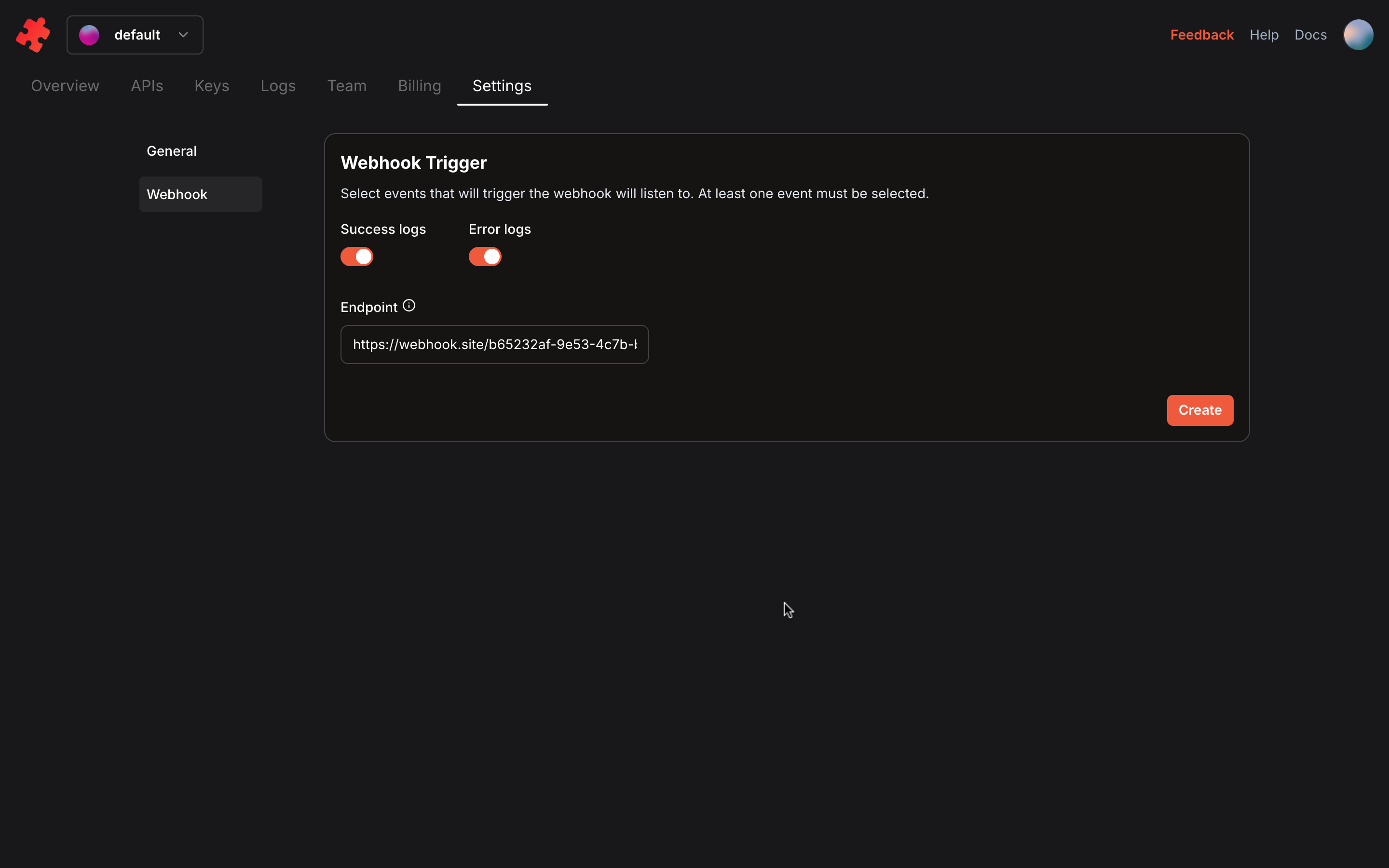
To enable webhook for the Logs, follow the steps below:- Under the Settings tab in your dashboard, select Webhook
- Enable the type of logs to receive i.e
Success logsorError logs - Add webhook URL in the endpoint field.
- Click
Createbutton to save.
To secure your webhook, follow this guide Secure
Webhook